












Featured case study

A vintage brown and gray typewriterAI · LegalA Litify Expert That Cites Its SourcesRead the case study
Not sure where to start?Tell us what you’re trying to solve. We’ll point you to the right team.Talk to an expert

Featured case study

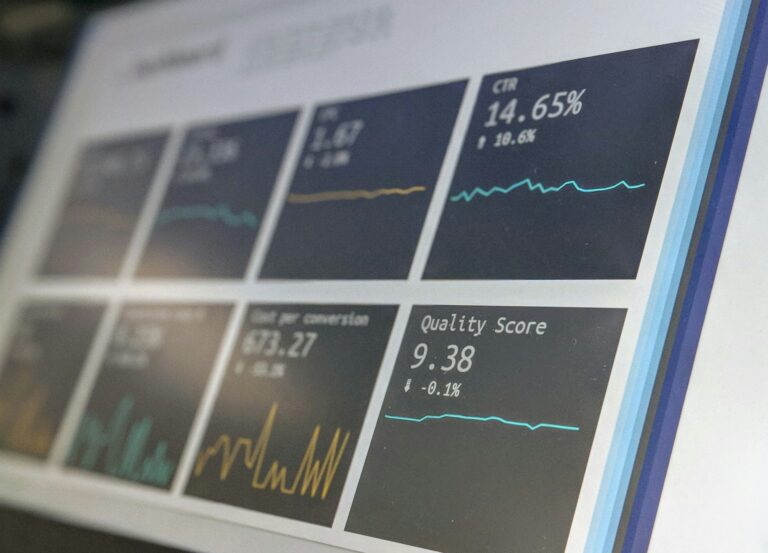
A screen showing charts and performance metricsData · HealthcareLive Risk KPIs, Embedded Where Clients Already WorkRead the case study
Not sure where to start?Tell us what you’re trying to solve. We’ll point you to the right team.Talk to an expert

Featured case study

A modern stone building with an evergreen tree out frontGovernment & Nonprofits · Web & DigitalA Member Website a Union Can Rely OnRead the case study
Not sure where to start?Tell us what you’re trying to solve. We’ll point you to the right team.Talk to an expert
Staff Augmentation

Experienced developers and admins who work inside your team, your tools, and your process.

Featured case study

A pink brain outline beside a maze shaped like the other half of a brainCustom Development · HealthcareAn Embedded Engineering Team, Six Years and CountingRead the case study
Not sure where to start?Tell us what you’re trying to solve. We’ll point you to the right team.Talk to an expert
AppExchange Products

Apps BRIO built for Litify and Salesforce, installed and supported by the team that made them.

Featured case study

A tall glass building facade with rows of windowsLegal · LitifyAutomated Client Communication Inside LitifyRead the case study
Not sure where to start?Tell us what you’re trying to solve. We’ll point you to the right team.Talk to an expert
Legal

Litify and legal technology from a team that includes former lawyers and paralegals.

How we help

Common challenges we solve

  • Case data scattered across legacy systems
  • Manual records requests, notes, and court emails
  • Reporting that leadership can trust
Healthcare

Secure platforms and analytics for care providers, benefits firms, and health advocates.

How we help

Common challenges we solve

  • Sensitive data that needs careful protection
  • Enrollment and review deadlines that never move
  • Clients asking for clear, current metrics
Finance & Insurance

Enrollment, claims, and internal tools built on data you can audit.

How we help

Common challenges we solve

  • Internal roadmaps bigger than the team
  • Claims and pricing work stuck in spreadsheets
  • Strict review and release standards
Construction & Utilities

Portals, field data, and reporting for contractors, utilities, and job-site services.

How we help

Common challenges we solve

  • Customers who want self-service requests and reports
  • Field data that is hard to act on
  • Operations running on aging systems
Government & Nonprofits

Mission-driven systems built to serve people well and protect sensitive information.

How we help

Common challenges we solve

  • Several systems for one organization
  • Sensitive records with need-to-know access
  • Small teams managing large websites
Media & Retail

Commerce and back-office systems for businesses with one-of-a-kind products.

How we help

Common challenges we solve

  • Inventory that must stay in sync online and in store
  • Catalogs and publishing done by hand
  • Stores that need steady updates
Technology & Startup

Scalable platforms and integrations for teams that move fast.

How we help

Common challenges we solve

  • Choosing a stack you will not outgrow
  • Shipping fast without piling up debt
  • Adding senior talent without long hiring cycles

Let’s build it

Building something new?Tell us where you’re headed. We’ll help you choose a platform you won’t outgrow.Start the conversation
All industries Browse case studies by industryNot listed? Our process works across sectors.
/
/
The AI Readiness Checklist: Five Things to Fix Before You Build

Insights

Open role

The AI Readiness Checklist: Five Things to Fix Before You Build

Before you invest in AI, check five areas: use cases, data, systems, security, and people. A practical readiness checklist for operations and IT leaders.

AI
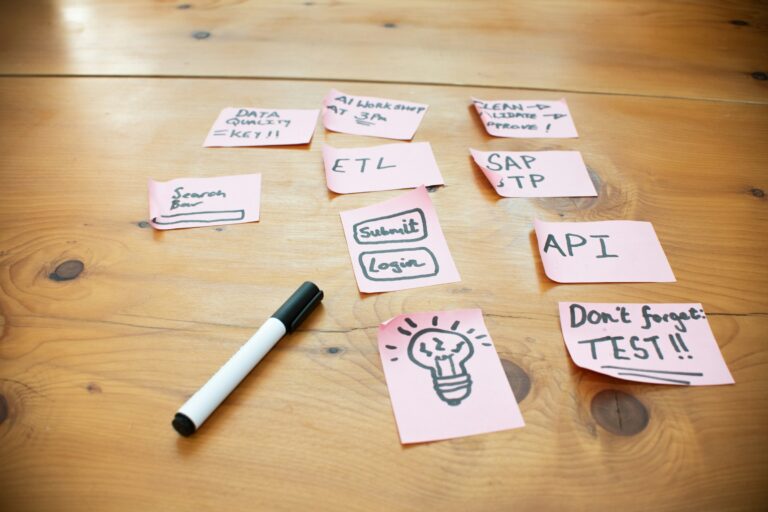
A wall with sticky notes

You do not need a perfect data warehouse or a team of data scientists to get value from AI. You do need a few basics in place. Skip them and even a strong model will produce answers your team ignores.

Here are the five areas we check before any AI build, and what “ready enough” looks like in each.

1. Use cases: one clear job, one clear owner

Ready enough: you can name one workflow, the person who owns it, and how long it takes today.

Warning sign: the goal is “use AI more,” or a list of 30 ideas with no ranking.

Score each idea on value (hours saved, errors avoided), effort (data and systems involved), and risk (who sees the output). Start with high-value, low-risk work where a person still reviews the result.

2. Data: the fields that matter are filled and consistent

Ready enough: the handful of fields your first use case depends on are filled in most records and mean the same thing to everyone.

Warning sign: key information lives in free-text notes, attachments, or someone’s inbox.

You do not have to clean everything. Find the fields the use case touches and fix those. This is often the fastest return in the whole project, because good data helps your reports and your people, not only the AI.

3. Systems: the AI can read and write where the work happens

Ready enough: your core systems (Salesforce, Litify, accounting, document storage) have APIs or connectors, and you know which one is the source of truth for each record.

Warning sign: data moves between systems by export, email, or re-keying.

Integration is where most of the real time savings hide. If the AI’s output has to be pasted somewhere by hand, you have moved the work, not removed it.

4. Security and governance: answered before the build, not after

Ready enough: you know which data the AI may use, who may see its output, and whether the AI service trains on your data. Access follows the permissions you already have.

Warning sign: nobody has asked legal, compliance, or IT yet.

Write down where the data goes, what is logged, and who reviews output before it reaches a client. A one-page answer now saves months of delay later. Our Security & Trust page shows how BRIO handles the same questions.

5. People: the users helped design it

Ready enough: the people who do the work today are part of the pilot, and someone owns training and feedback.

Warning sign: the tool is announced by email and left for people to discover.

Adoption is the difference between a tool that exists and a tool that saves hours. Involve users early, show them where the AI’s answer came from, and make it easy to flag a bad one.

Putting it together

Score yourself from 1 to 5 in each area. Anything below 3 is your first project, often before the AI work itself. Anything at 4 or 5 is ready to build on.

Download the AI Readiness Scorecard to score all five areas and get a short list of starter use cases for your team.

At a glance

About this guide

Share this role

Industry & services

Topics

AI

Share

Have a similar project?

Planning a project?

Tell us what you’re working on and we’ll share how we’d approach it.

Talk with a consultant about your goals, timeline, and data. We’ll help you map out next steps.

Interested in this role?

Apply below with your LinkedIn profile and resume.

Keep reading

Related work

A complex network of lines connecting labeled points
Data · Legal · Litify · Migration

From Filevine and Lead Docket to One Litify System

A multi-practice trial firm ran intake in Lead Docket and cases in Filevine. BRIO moved both onto Litify, reconciled the data from

Read more →

A vintage brown and gray typewriter
AI · Legal · Litify

A Litify Expert That Cites Its Sources

Plenty of people talk about retrieval-augmented generation. BRIO built and runs it: a Litify knowledge expert that answers product questions only from

Read more →

A screen showing charts and performance metrics
Data · Healthcare · Salesforce · Tableau

Live Risk KPIs, Embedded Where Clients Already Work

A healthcare risk management firm wanted its clients to see incident trends without another login. BRIO designed custom risk KPIs and Tableau

Read more →

Get started

Careers

Apply for this role

Let’s build your success story

Have a question about your project?

Tell us what you’re working on. We’ll follow up to set up a discovery call.

Share a few details, your LinkedIn profile, and your resume. Our team reviews every application and follows up.

What happens next

1

We review your note and follow up

2

A discovery call with a BRIO consultant

3

Clear recommendations and next steps

What happens next

1

We review your application

2

An intro call with our team

3

Interviews and next steps

We only use your information to respond to you.